



The PlayStation 5 is built to deliver lightning-fast load times, smooth frame rates, and immersive gameplay. However, even a powerful console like the PS5 can sometimes run into slowdowns, lag, crashes, or overheating problems. If your games aren’t running as smoothly as they should, don’t worry. This guide explains how to fix PS5 performance issues step by step, using practical and proven methods that work for most players.
- Understanding Common PS5 Performance Issues
- How to Fix PS5 Performance Issues Using System Updates
- Optimize Storage to Improve PS5 Performance
- Improve PS5 Performance by Fixing Overheating
- Adjust PS5 Settings for Better Performance
- Fix Internet-Related PS5 Performance Issues
- Fix Game-Specific Performance Problems
- When to Reset Your PS5 as a Last Resort
- Final Thoughts on How to Fix PS5 Performance Issues
Understanding Common PS5 Performance Issues
Before jumping into fixes, it’s important to understand what kind of problems PS5 users usually face.
Lag and Frame Rate Drops
You may notice stuttering gameplay, sudden FPS drops, or delayed controls, especially in demanding games.
Slow Load Times
If games or menus are loading slower than usual, it could indicate storage or system issues.
Overheating and Fan Noise
A loud fan or console shutdowns are often signs of overheating, which can affect performance.
Game Crashes and Freezes
Games freezing, crashing, or failing to launch can stem from corrupted data or outdated software.
READ ALSO: Staple Men’s Neo Sport: Your Ultimate Guide to Performance-Driven Streetwear
How to Fix PS5 Performance Issues Using System Updates
One of the simplest yet most effective solutions is keeping your PS5 software updated.
Update PS5 System Software
Sony regularly releases updates that improve stability and performance.
Steps to update your PS5:
- Go to Settings
- Select System
- Choose System Software
- Click System Software Update and Settings
- Install any available updates
System updates often fix hidden bugs that slow down performance.
Update Your Games
Outdated game versions can cause lag and crashes.
- Highlight the game on the home screen
- Press the Options button
- Select Check for Update
Optimize Storage to Improve PS5 Performance
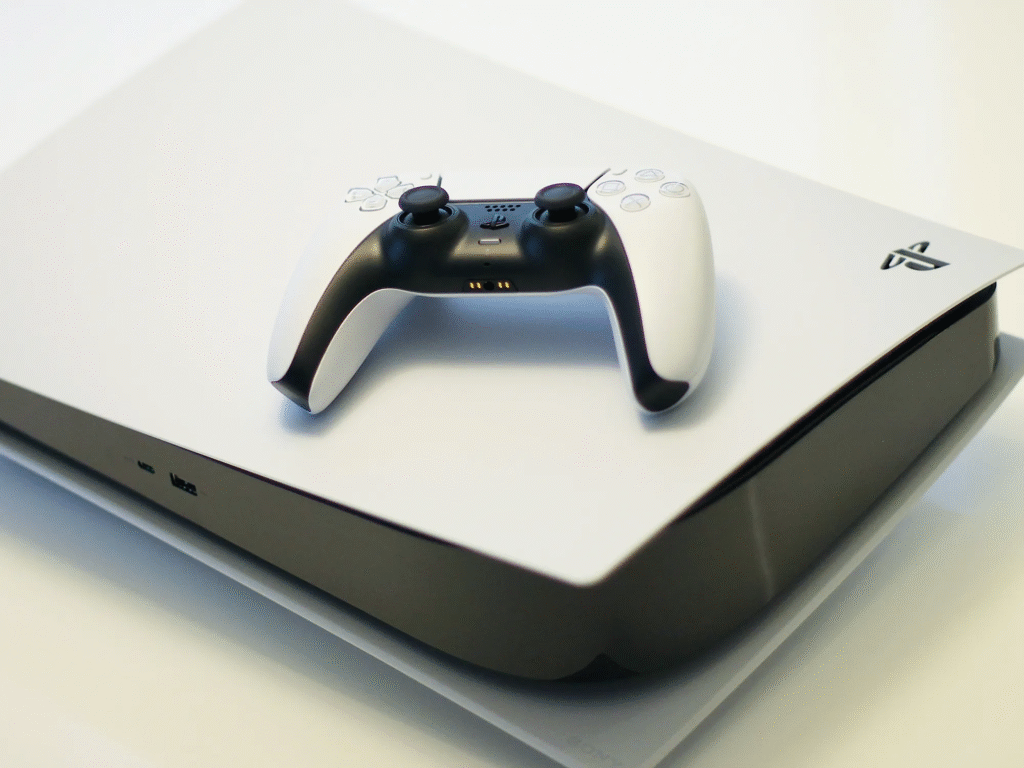
Storage problems are a major reason players search for how to fix PS5 performance issues.
Free Up Console Storage
When storage is almost full, your PS5 may slow down.
- Delete unused games and apps
- Remove old screenshots and video clips
- Transfer games to an external drive if needed
Rebuild PS5 Database
Rebuilding the database reorganizes files and can fix lag or loading issues without deleting data.
How to rebuild database:
- Turn off your PS5 completely
- Hold the power button until you hear two beeps
- Connect a controller with a USB cable
- Select Rebuild Database
This process can significantly boost system responsiveness.
See All: The Rise of Sports Harmonicode: Revolutionizing the Future of Athletic Performance
Improve PS5 Performance by Fixing Overheating
Overheating can throttle performance and even damage hardware if ignored.
Clean Your PS5 Console
Dust buildup blocks airflow and causes overheating.
- Turn off and unplug the PS5
- Remove side panels carefully
- Use compressed air to clean vents and fans
Improve Console Placement
Ensure your PS5 has enough space for ventilation.
- Keep at least 4–6 inches of space around the console
- Avoid placing it inside closed cabinets
- Keep it away from heat sources
Proper airflow helps maintain stable performance during long gaming sessions.
Adjust PS5 Settings for Better Performance
Tweaking a few settings can noticeably improve gameplay smoothness.
Enable Performance Mode
Performance Mode prioritizes higher frame rates.
Steps:
- Go to Settings
- Select Saved Data and Game/App Settings
- Choose Game Presets
- Set to Performance Mode
Many games will automatically run at higher FPS after this change.
Disable Unnecessary Features
Turning off features you don’t use can reduce background load.
- Disable HDCP if you don’t stream content
- Turn off media auto-play
- Limit background downloads while gaming
Fix Internet-Related PS5 Performance Issues
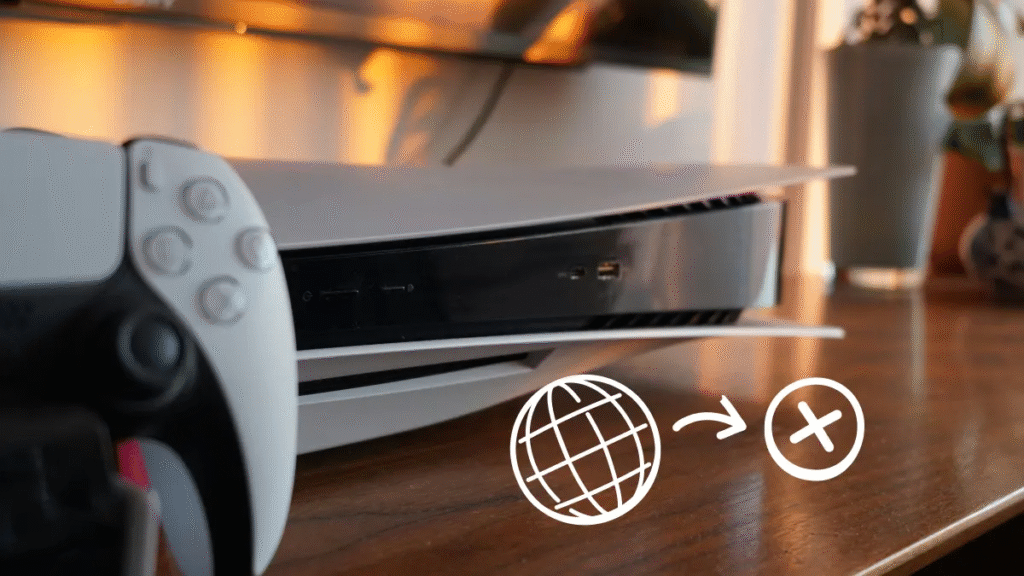
Online lag and stuttering are often caused by network problems rather than the console itself.
Use a Wired Internet Connection
A LAN cable provides a more stable connection than Wi-Fi, especially for online multiplayer games.
Test and Improve Network Speed
Check your connection speed under Settings > Network > Test Internet Connection.
If speeds are low:
- Restart your router
- Move closer to the router
- Reduce other devices using the network
Change DNS Settings
Switching to a faster DNS can improve online stability.
Popular DNS options:
- Google DNS: 8.8.8.8 / 8.8.4.4
- Cloudflare DNS: 1.1.1.1 / 1.0.0.1
Fix Game-Specific Performance Problems
Sometimes the issue is limited to a single game.
Reinstall the Game
Corrupted files can cause crashes or lag.
- Delete the game
- Restart the PS5
- Reinstall the game from your library
Check In-Game Settings
Lowering graphics options like ray tracing or motion blur can improve performance in some titles.
When to Reset Your PS5 as a Last Resort
If none of the above steps work, resetting the console may help.
Factory Reset PS5
This removes all data, so back up your saves first.
- Go to Settings > System > System Software > Reset Options
- Select Reset Your PS5
A factory reset can resolve deep software conflicts causing performance issues.
Final Thoughts on How to Fix PS5 Performance Issues
Learning how to fix PS5 performance issues doesn’t require technical expertise. In most cases, simple actions like updating software, cleaning the console, freeing storage, and optimizing settings can restore smooth gameplay. By following the steps in this guide, you can extend the life of your PS5 and enjoy the high-performance gaming experience it was designed to deliver.
